Logging In
Logging into Hunt.io
•
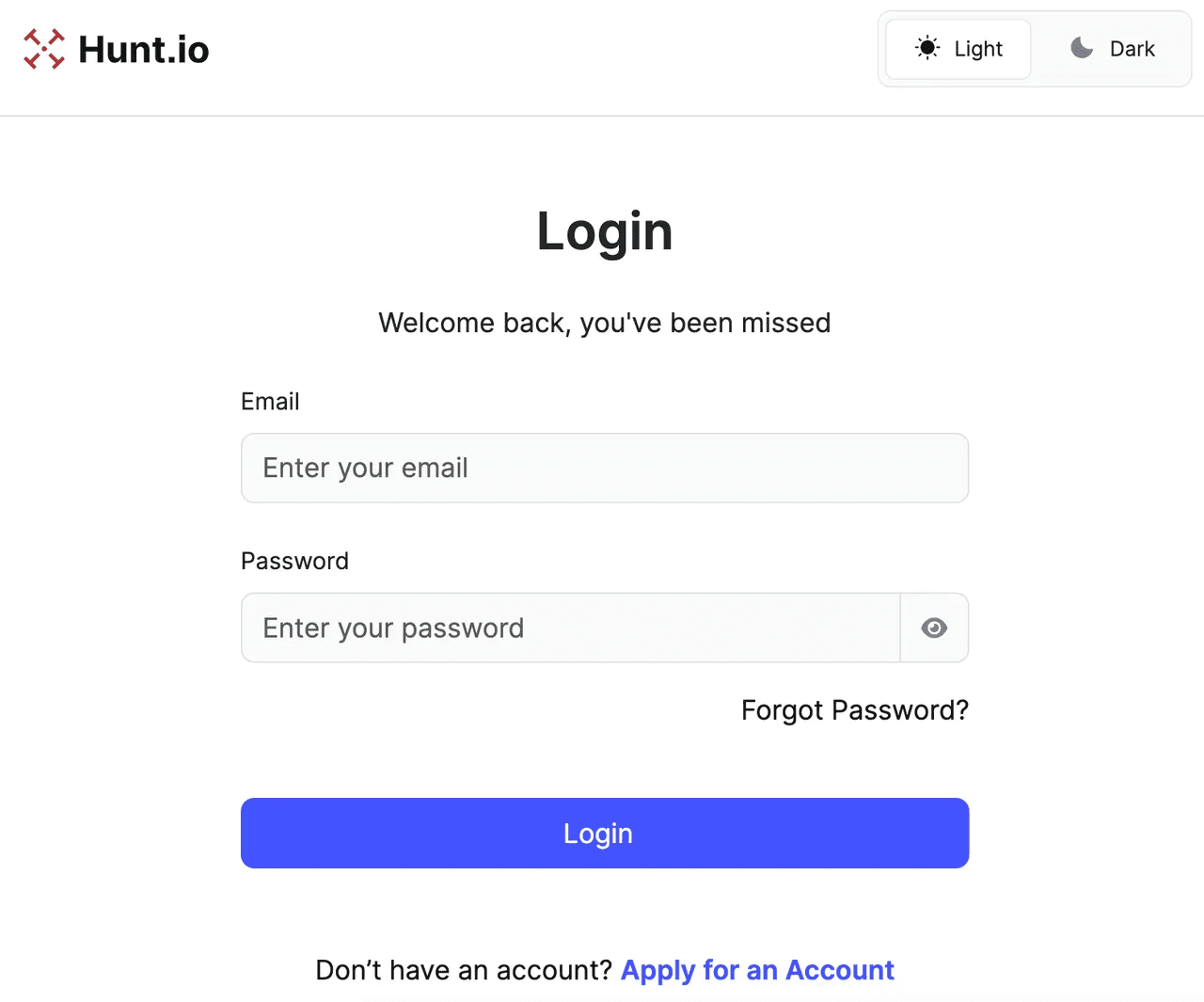
Navigate to https://app.hunt.io/login
•
Enter your email and password, then click Login
•
If Two-Factor Authentication (2FA) has not been enabled, you will be directed to the Hunt.io homescreen
•
To turn on 2FA, please see the Two-Factor Authentication (2FA) guide for assistance
•
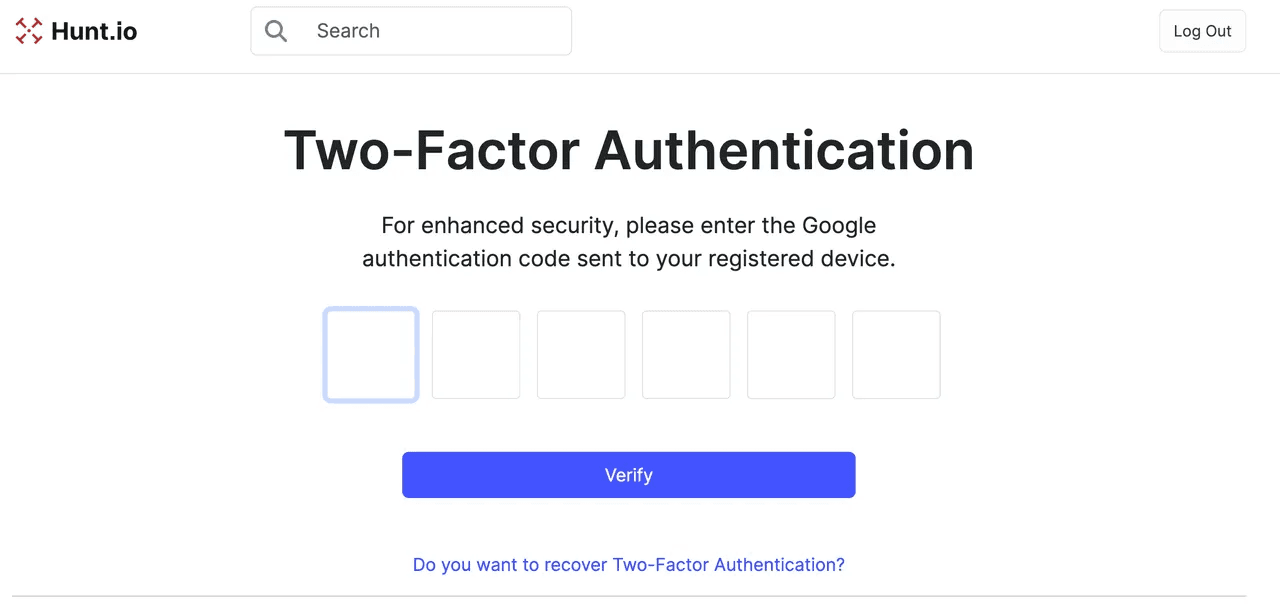
If 2FA has been enabled on the account, then the Two-Factor Authentication screen will be displayed
•
Enter the 6-digit verification code from your device
•
Click Verify once the code has been entered
•
At this point, you will be directed to the Hunt homepage and can navigate as desired